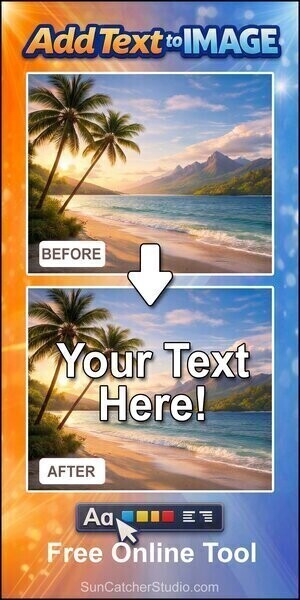
Upload an image, add your text, then export the result as a PNG. For more ideas, see tools and applications.
No image loaded
Canvas preview
Instructions for Add Text to Image Tool
Upload your image using the file selector, then enter the text you want to add in the text box. Use the font, size, color, and outline controls to customize how your text looks on the image. Adjust the position by entering X and Y values or simply drag the text directly on the image preview for precise placement. You can also resize the text box to control line wrapping and overall layout.
Once your design looks the way you want, click the download button to export your image as a high-quality PNG file. If needed, use the center option to quickly align your text or clear the image to start over. The live preview updates instantly as you make changes, making it easy to experiment with different styles and positions before saving your final image.
This image app lets you quickly place words, captions, or labels directly onto your photos without needing advanced design software. Whether you’re creating social media posts, memes, marketing graphics, or educational visuals, this tool makes it easy to turn any image into a more engaging and informative piece of content. With just a few clicks, you can transform a plain photo into something personalized and visually compelling.
This add text to image tool includes simple customization options such as font selection, text size, color, and outline effects. These features allow you to match your text style to the mood of your image, whether you want something bold and eye-catching or clean and minimal. This app also provides drag-and-drop positioning, so you can place your text exactly where it looks best on the image.
Because this app run directly in your browser, there’s no need to install software or learn complicated design programs. You can upload an image, add your text, preview the result in real time, and download the finished image in seconds. This makes this app a fast, accessible solution for anyone looking to create polished visuals quickly and efficiently.