Click inside any date box to type a note. Notes are saved in this browser.
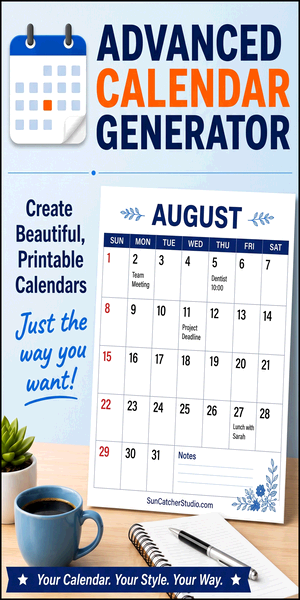
Create professional-looking monthly calendars in just a few clicks with our free Calendar Generator. Simply choose the month and year, customize the available options, and your calendar updates automatically as you make changes. You can add your own calendar title, choose portrait or landscape orientation, select U.S. Letter or A4 paper sizes, and personalize the layout before printing. Once your calendar looks exactly the way you want, click Print to create a high-quality printed copy, or click Save to download a PDF.
This calendar generator offers much more flexibility than a standard printable calendar. You can choose whether to display U.S. holidays, include dates from adjacent months, add ruled writing lines for notes, select from multiple color themes, and optionally display the month and year as a subtitle. Every calendar is designed to maximize the printable area on the page while maintaining a clean, professional appearance that is easy to read and write on.
Using the generator is quick and intuitive. As you change options such as the month, year, theme, or page orientation, the calendar refreshes automatically—there is no need to click an update button. You can type notes directly into any date box to keep track of appointments, birthdays, assignments, vacations, reminders, meetings, and other important events. Your notes are automatically saved in your browser, allowing you to return later and continue editing where you left off.
Whether you're creating a family calendar, classroom planner, employee work schedule, meal planner, study calendar, or project timeline, this free calendar generator provides a fast and convenient solution. Everything runs directly in your web browser, so there is nothing to download or install. With its easy-to-use interface, customizable features, and high-quality print layout, you can create a personalized calendar in just a few seconds.